For Mac
An invoice app for Mac, on the same plan as your iPhone.
Ochre is a native Mac app for invoices, quotes and credit notes. One plan covers every business you run and every iPhone, iPad and Mac on your Apple Account, and there is a one-time Lifetime option if you would rather not subscribe.


What it is
Invoicing is a chore most people put off, and a Mac app that adds an account, a dashboard and a browser tab makes it worse. Ochre for Mac is a native app: a sidebar, a window, the keyboard shortcuts you already use. You open it, write an invoice and send it.
There is no account to create and no sign-up screen. Setup is four short steps: your business, your trade, money, ready. Only the first has to be filled in before you continue.
One plan for every business and every device
One Ochre Pro plan covers every business you run and every iPhone, iPad and Mac on your Apple Account. Each business keeps its own tax details, numbering and branding, and you switch between them in the app. Adding a business does not change the price.
Prefer to pay once? A Lifetime purchase is available alongside the monthly and yearly plans. How Lifetime compares with a subscription.
On the Mac
- A sidebar with Documents (invoices, quotations, credit notes, purchase orders, bills, debit notes), Customers, Vendors, Products & services, Time, Money, Insights and Settings.
- Command-1 to Command-8 jump to those sections in that order. Command-, opens Settings and Command-F finds documents.
- Command-N starts a new invoice, Shift-N a quotation and Option-N a purchase order.
- Billing the same again: File > Duplicate (Command-D) copies a document, including as another kind such as an estimate or a credit note.
- Save PDF… is on the Mac preview, and Email appears when your Mac has a compose-email service. Share works with any mail app.
- Nine invoice templates, documents in 12 languages, and tax structure for 20 markets. Ochre supplies the fields and formats a market expects; you confirm the rates and numbers.
What it looks like
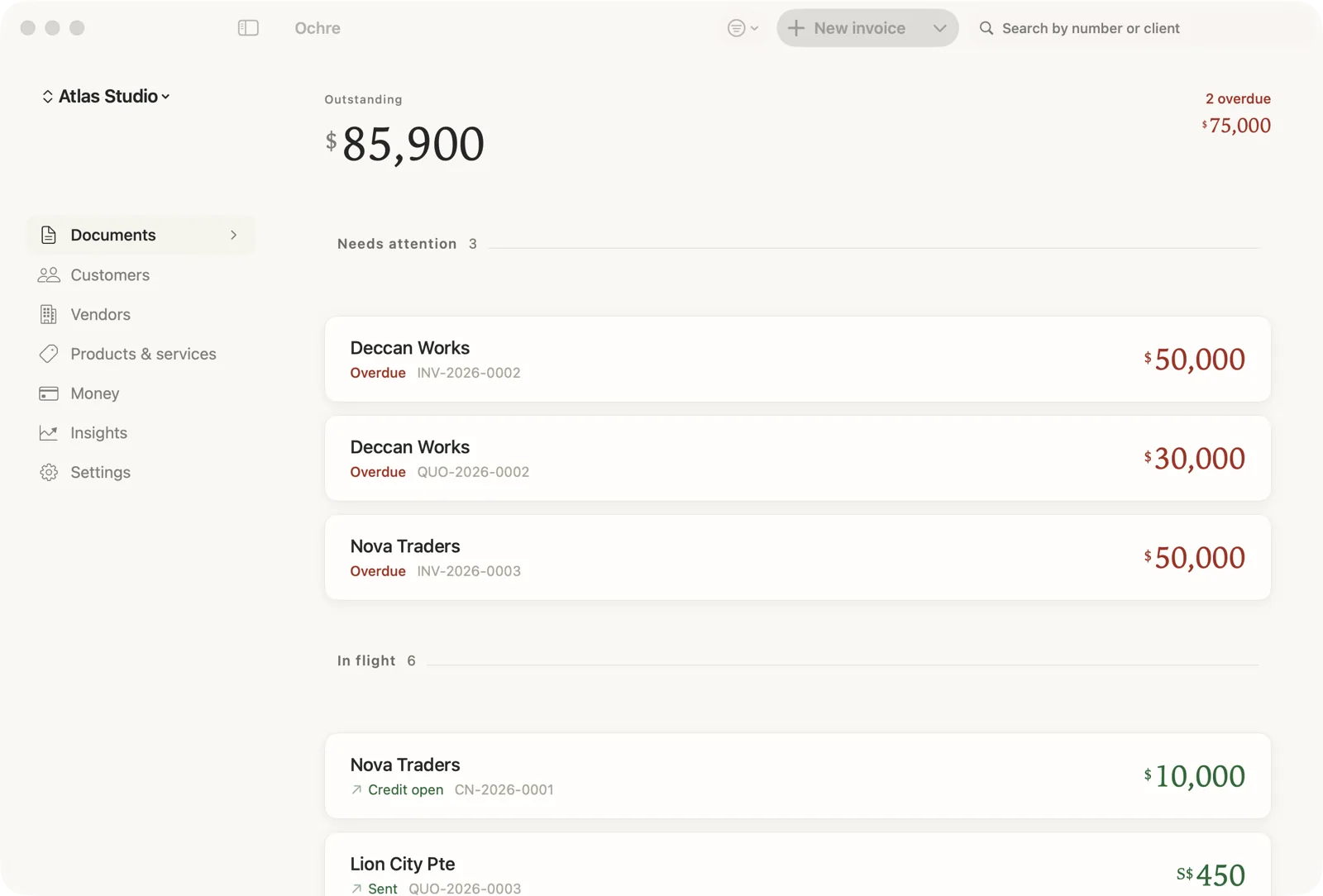
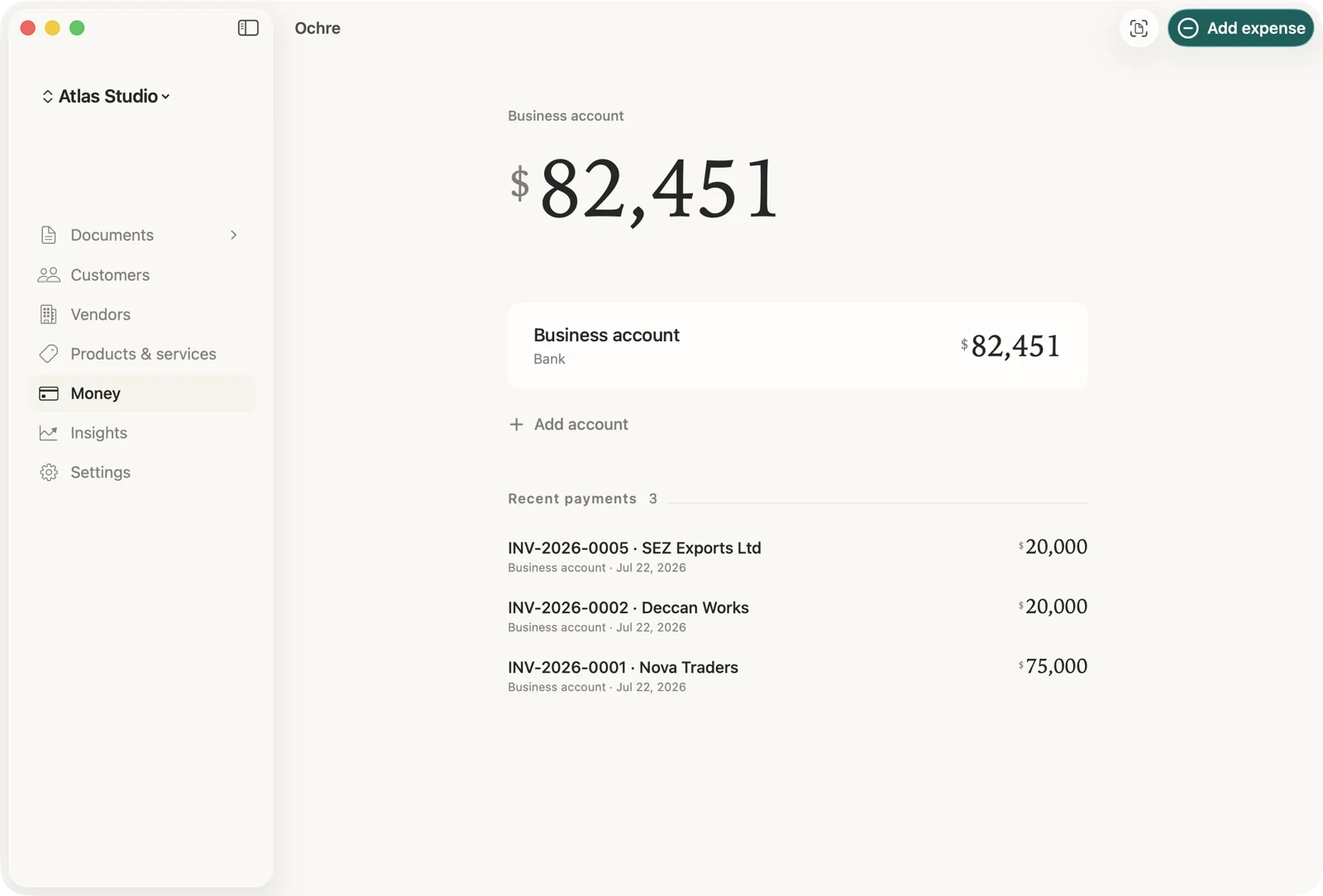
Price
A 7-day free trial on the monthly and yearly plans, started through Apple’s purchase sheet. After that, $11.99 a month or $99.99 a year, or $299.99 once for Lifetime. These are US prices; the App Store sets your local price. If a plan lapses, the documents you have already made stay yours to open, print, email, export and back up. Only issuing new documents waits for a plan.
Where Ochre is not the right choice
Ochre is not an accounting package. It has no bank feeds, no automatic reconciliation and no payroll, and you mark an invoice paid yourself. It runs on Apple devices only: iPhone, iPad, Mac and Apple Watch. There is no Windows or Android version, and nothing here is a promise of one. It needs macOS 14 or later. It does not give tax advice and does not file taxes. If you need bank-feed reconciliation or payroll, use software built for that.